Community Blueprints
Reference builds forhow communities run.
Pick the model closest to yours and see the spaces, access rules, and operating flow it needs — creator memberships, customer communities, cohort programs.
Scenario library
Start from a model, not a blank community
Each blueprint lays out the structure a working community of that shape actually needs.
Trust note
These are reference builds, not customer stories.
They describe how a community of each shape is put together — spaces, access, and the operating flow around it — so you can judge fit before you build.
Named customer stories will live somewhere else, with attributable evidence attached.
Consolidating a patchwork stack into one branded hub
A representative scenario for a solo creator or small team moving content, events, and payments into a single member experience.
Launching a customer community with admin controls
A representative path for SaaS and support teams that want branded onboarding, internal moderation workflows, and a central customer destination.
Running paid cohorts with spaces, events, and member guidance
A representative setup for educators combining gated spaces, events, and structured learning flows inside one community environment.
An example path from setup to launch
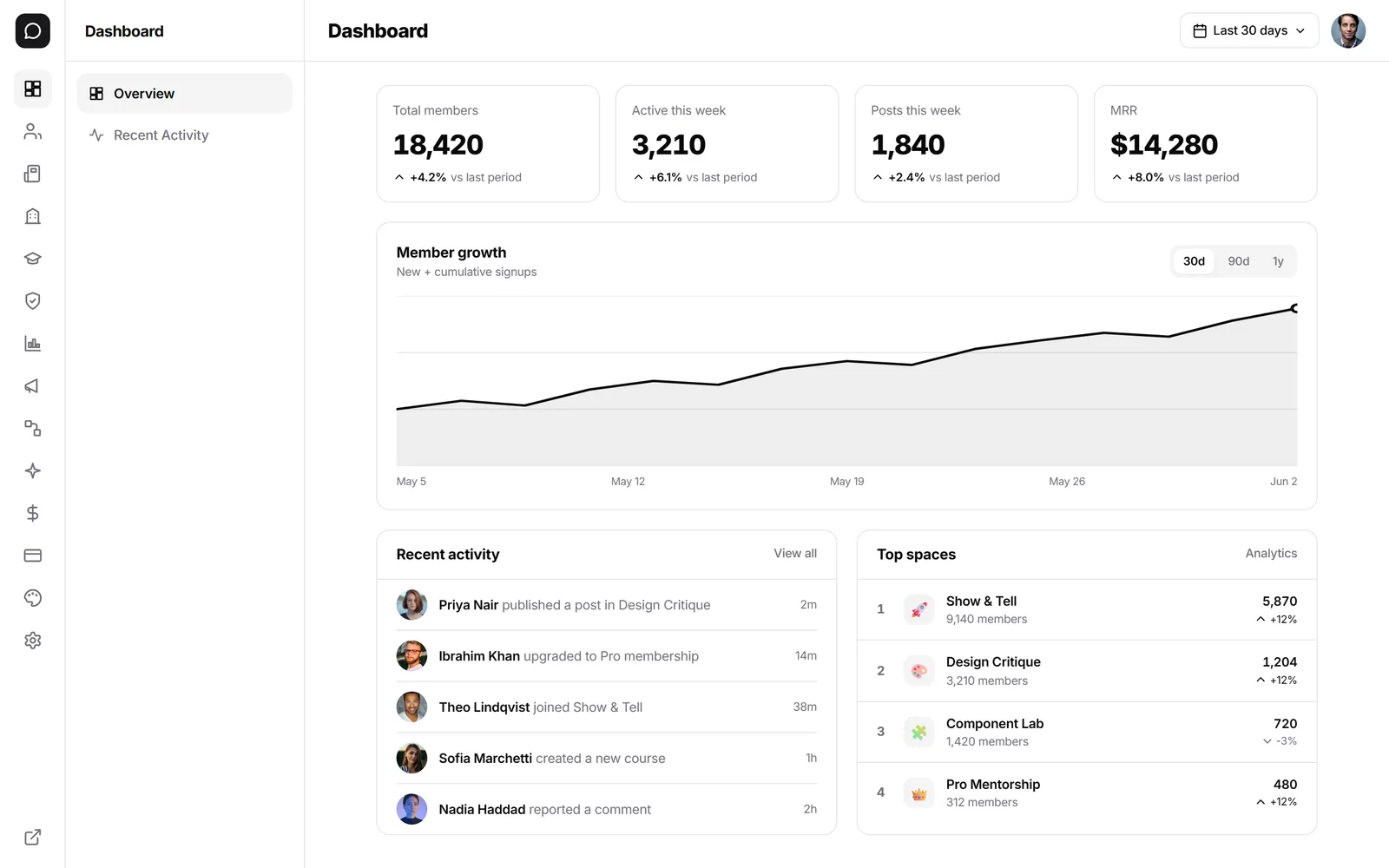
Screens reflect current product surfaces. Exact sequence, setup depth, and availability can vary by plan and implementation.
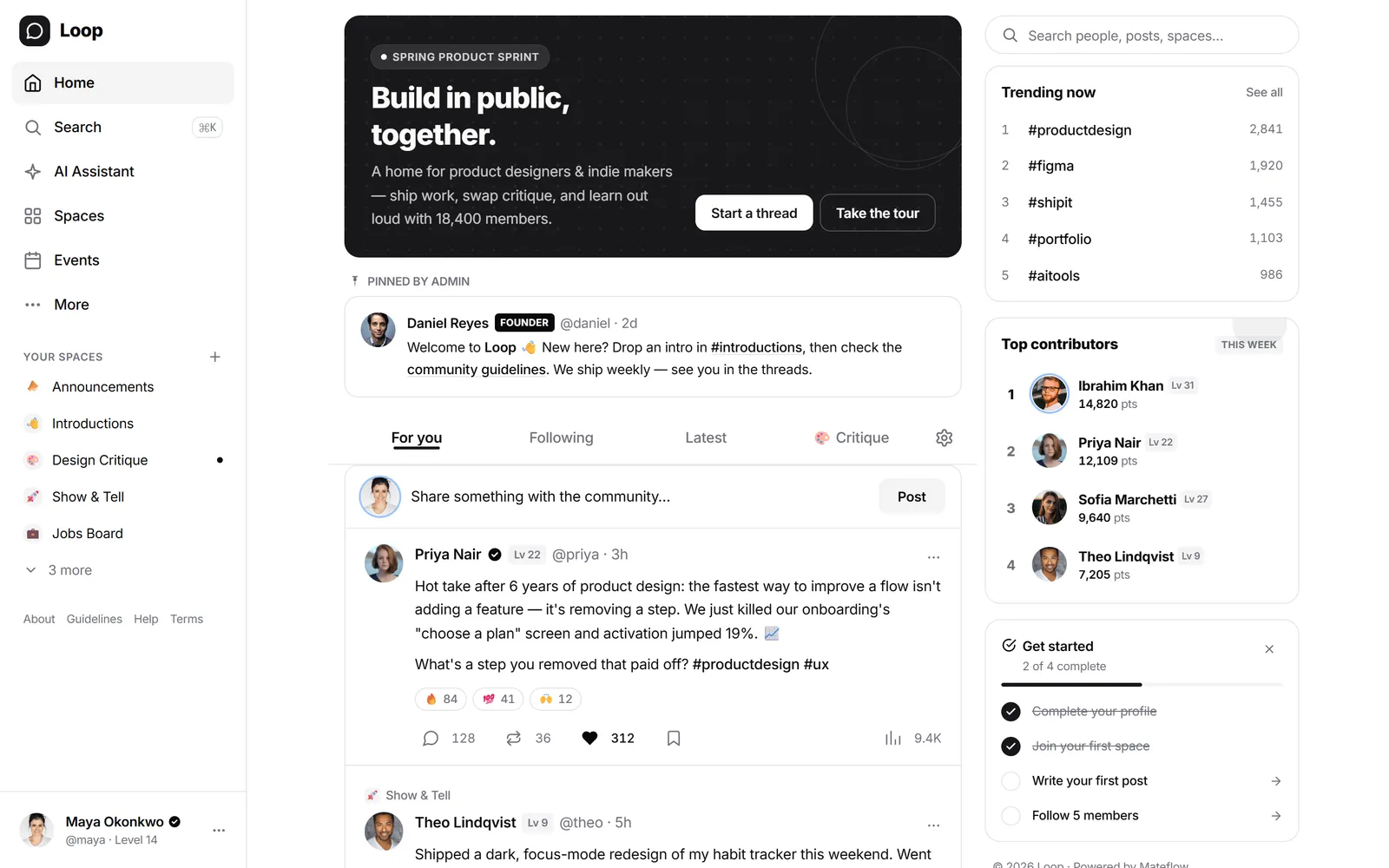
Create your community
Start from signup, choose a template, and establish the first branded version of your community.
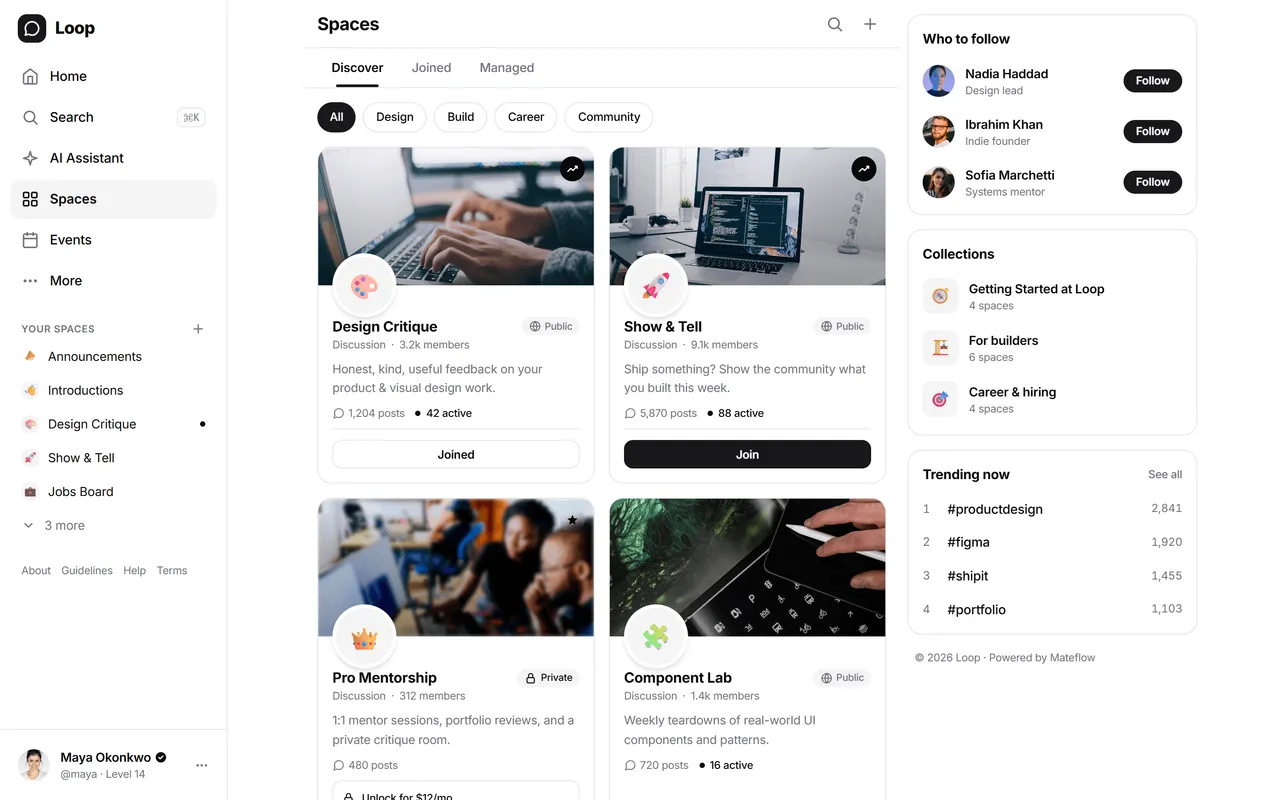
Configure spaces and access
Organize content into spaces and define who should see what as your membership structure takes shape.
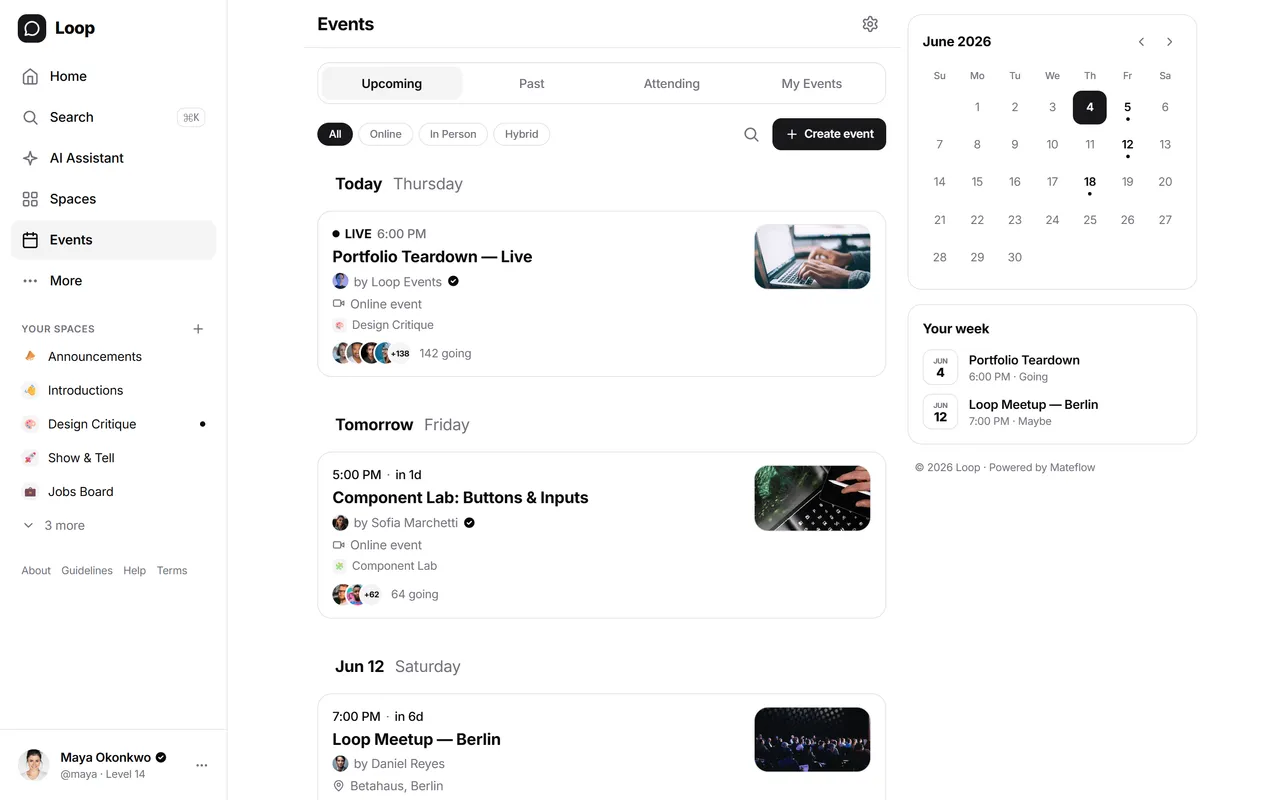
Add events and messaging
Introduce events, reminders, and member communication flows based on the experience you want to run.
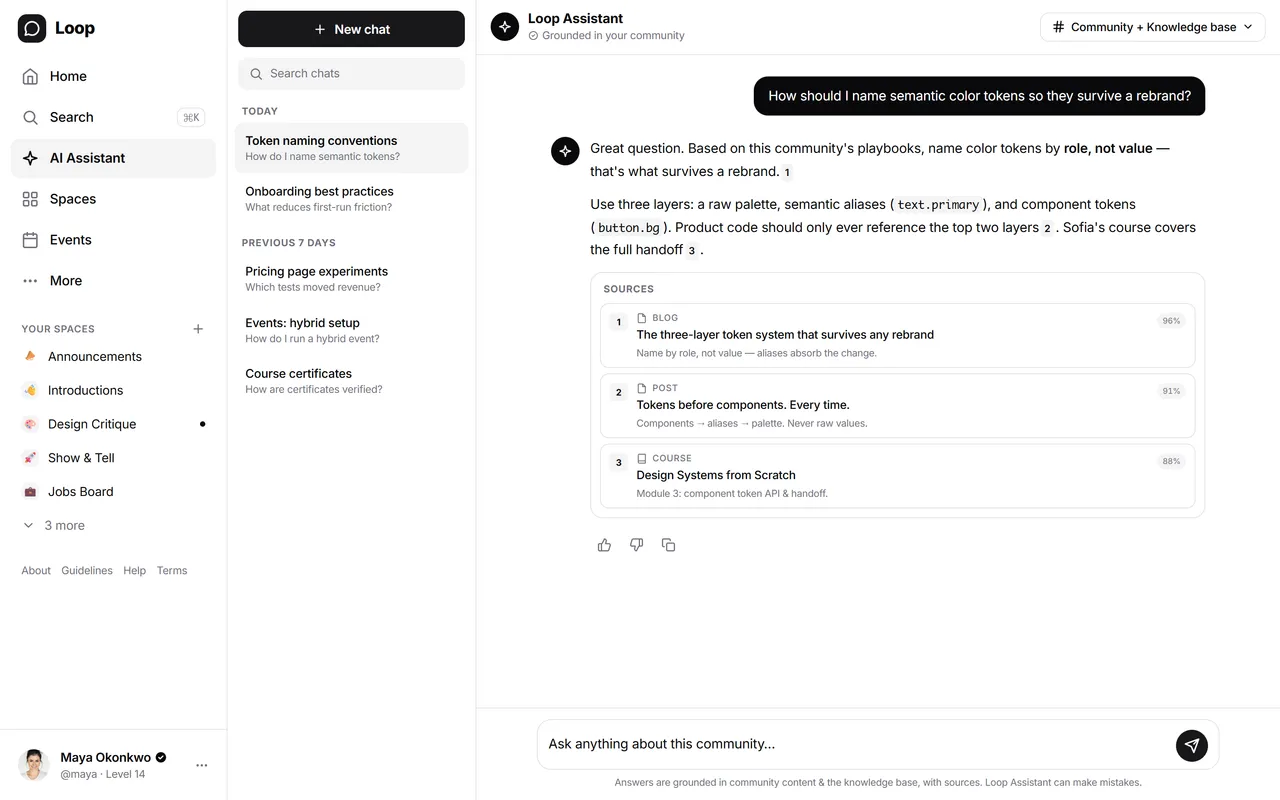
Set up AI guidance
Index knowledge and support materials so members can get contextual help inside the community experience.
Monetize and operate
Connect plans, gated access, and ongoing admin workflows to support the business side of the community.
Ready to evaluate?
Start free trial
Use the product directly and test the workflow against your own use case.
Start nowContact the team
Bring your rollout questions and we will walk through how the platform maps to your plan.
Get in touchCompare platforms
Compare Mateflow against the alternatives you are already considering.
CompareWant to validate your own scenario?
Bring your current workflow, stack, and launch plan. Start a free trial to map it to the product directly instead of leaning on generic case-study claims.
14-day free trial · No credit card required